Saved on Your Device
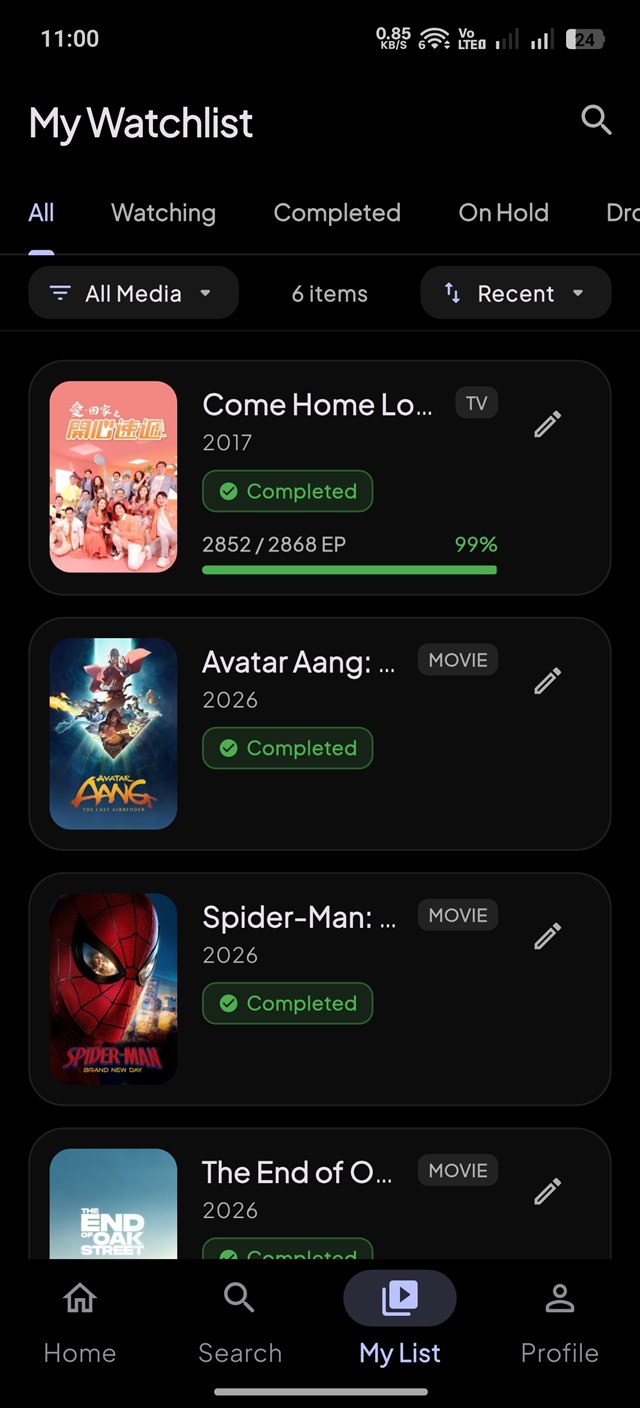
Your saved watchlist, ratings, and progress stay stored directly on your phone. Access your personal library and log episode updates instantly with zero wait times.

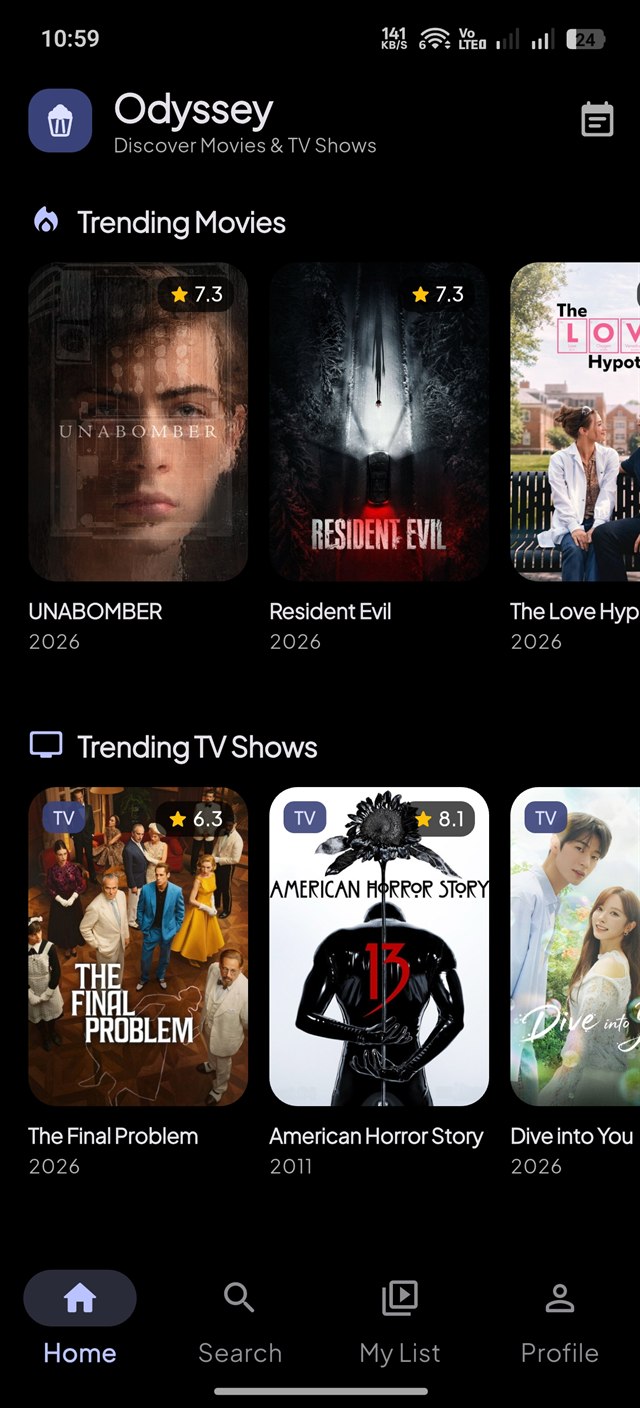
Track movies and TV shows, log watched episodes season by season, and keep your personal watch history saved directly on your device.
Practical tools to manage your entertainment watchlist.
Your saved watchlist, ratings, and progress stay stored directly on your phone. Access your personal library and log episode updates instantly with zero wait times.
Easily check off episodes as you watch with quick plus/minus controls, mark complete seasons finished in one tap, and follow series progress.
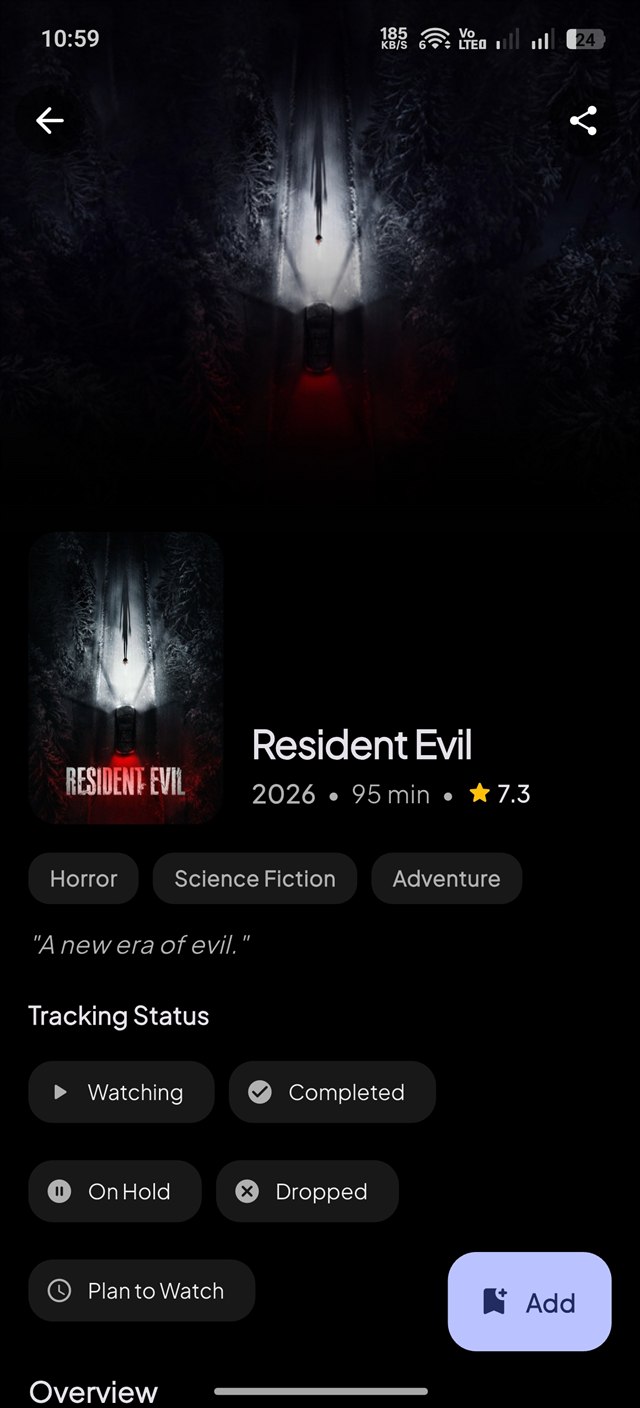
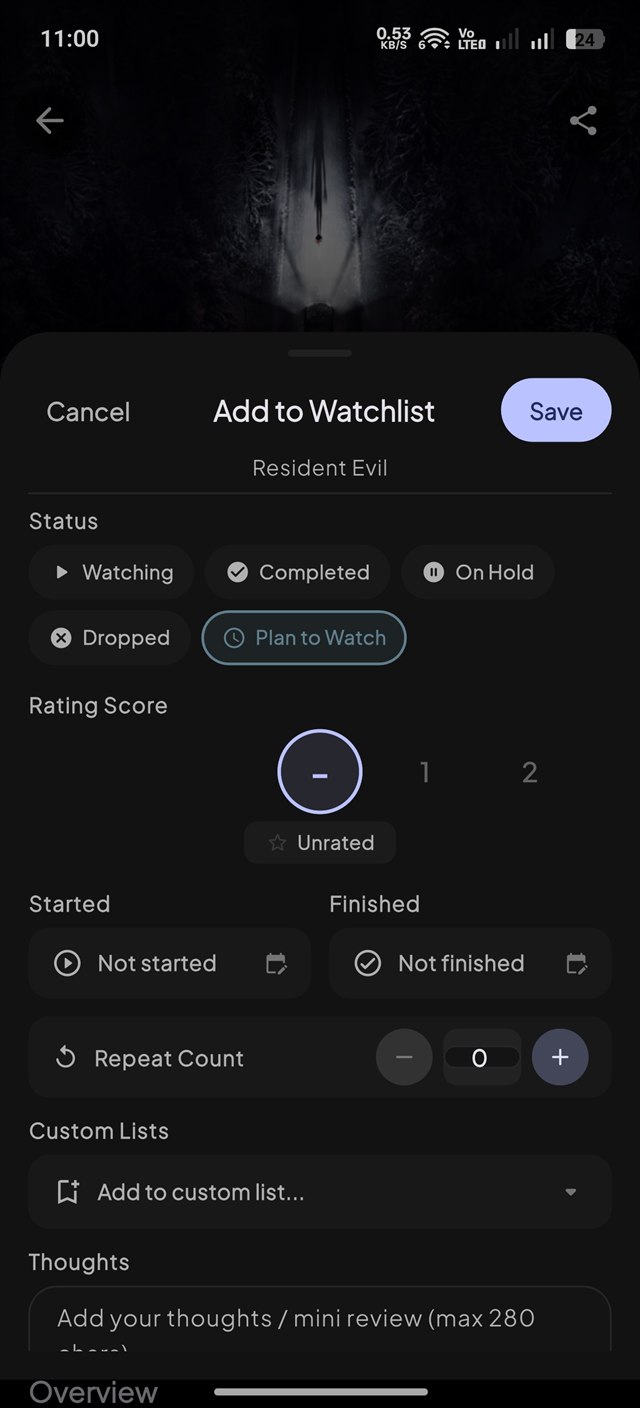
Organize every title into Watching, Completed, Plan to Watch, On Hold, or Dropped. Easily swipe between statuses to keep your entire collection neatly arranged.
Stay up to date with scheduled air dates organized by Today, Tomorrow, and This Week with countdown badges so you never miss a new episode release.
Build personalized collections for themed marathons, favorite franchises, or recommendations, complete with personal notes and drag-and-drop reordering.
Glance at what to watch next, check your current episode progress, and view upcoming air dates directly on your phone's home screen without opening the app.
Generate share cards for your favorite movies, TV shows, unlocked milestone badges, and yearly recaps to easily share with friends.
Earn milestone badges and level up as you log movies, complete seasons, review watch statistics, and select your preferred scoring style.
Experience an expressive Material You interface with fluid animations, dynamic color themes, and dedicated Light, Dark, and battery-friendly true AMOLED Black modes.
Avoid plot spoilers. Choose to hide episode titles, blur preview pictures, and tap to reveal descriptions only when you are ready.
Find out which streaming services have your favorite movies and shows available in your country, with direct links to official platforms.
Import your existing watch history from Trakt. Back up your library safely to your Google Drive account, or save a backup file to your phone.
Select a screen below to view Odyssey in action.
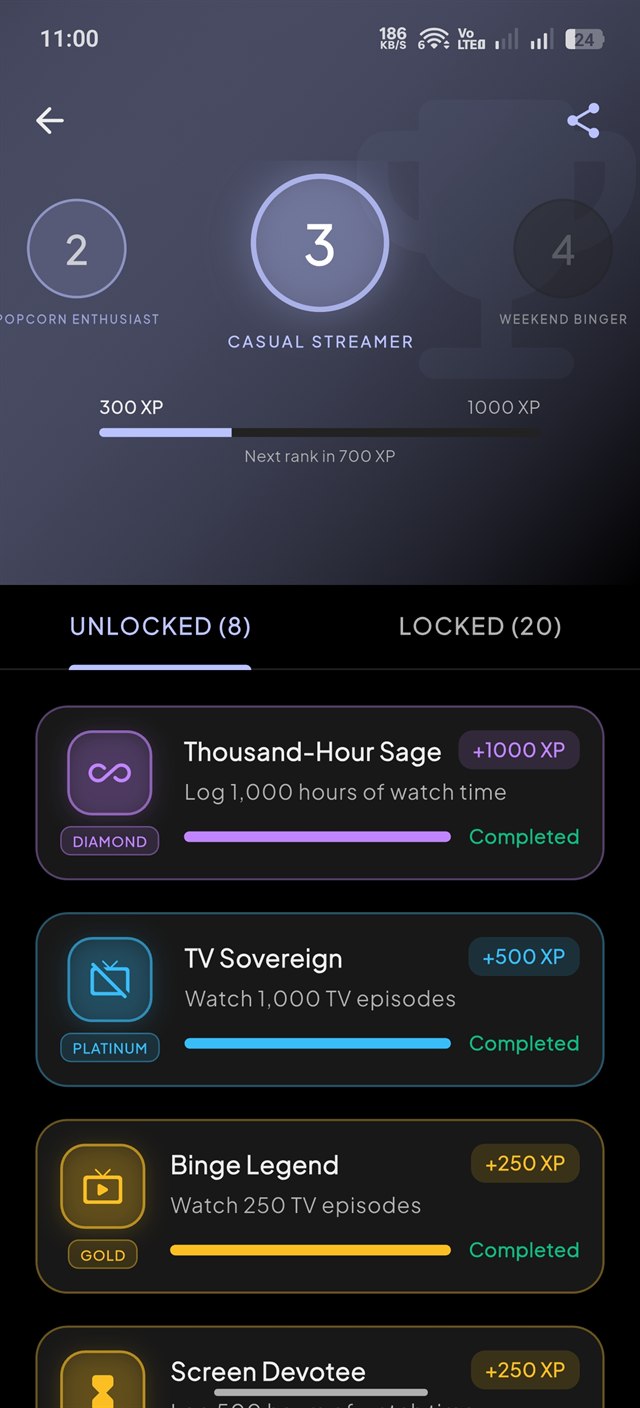
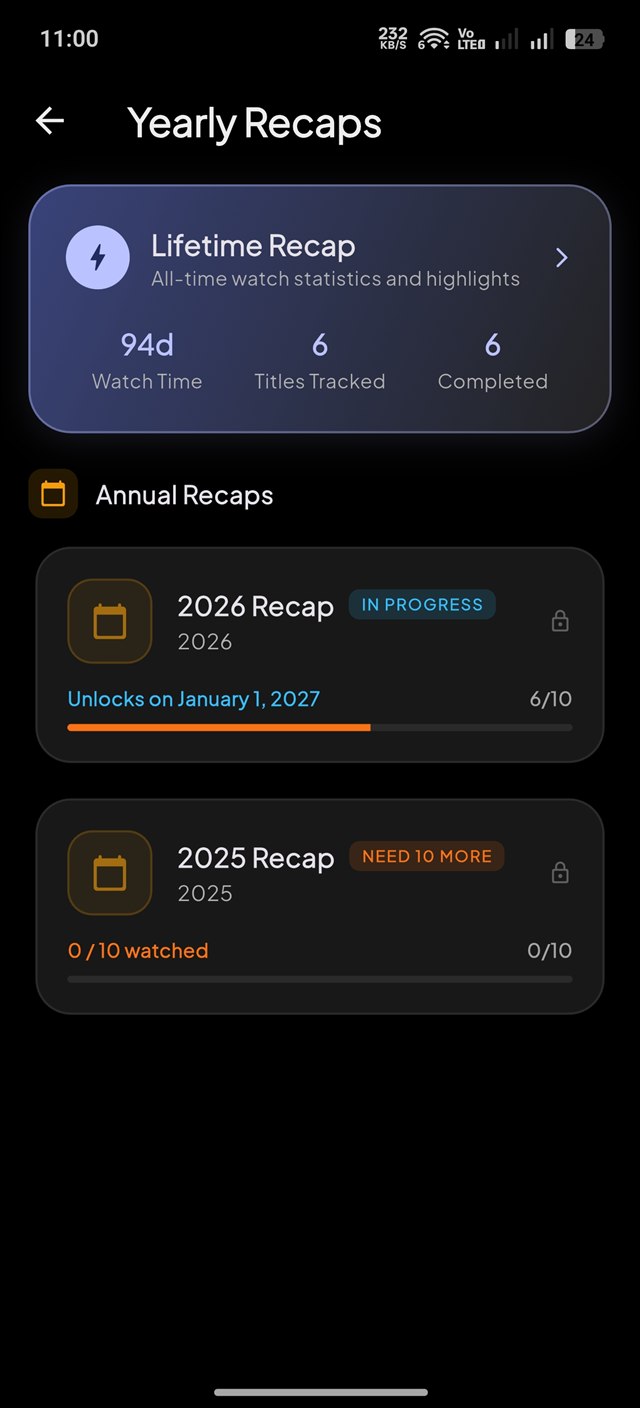
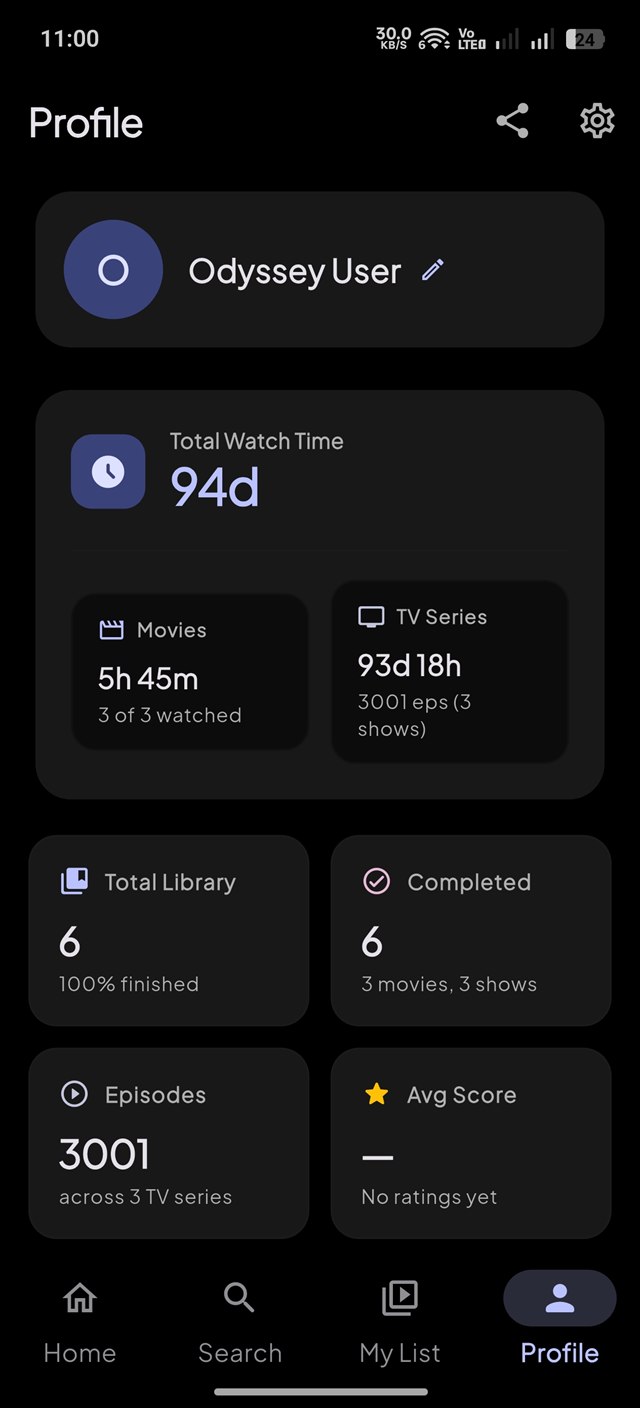
A direct comparison of Odyssey features versus traditional tracking apps.
| Feature | Odyssey | Other Tracking Apps |
|---|---|---|
| Data Storage | Saved on Your Phone | Locked to Company Servers |
| Spoiler Protection | Hides Unwatched Details | Plots & Pictures Exposed |
| Track by Season | Separate Season Counters | Confusing Total Numbers |
| Works Without Internet | Full Library Available | Requires Constant Connection |
| Easy Backups | Google Drive & Local Files | Difficult or Paid Export |
| Quick Start | Open and Start Using | Mandatory Account Sign-Up |
Answers to common questions about using Odyssey.
Yes. Your watchlist, episode progress, personal reviews, and custom lists stay saved directly on your phone. You can browse, add titles, and log episodes anywhere, even without an active connection. An internet connection is only needed when searching for brand-new titles or checking where to stream.
Odyssey is free to use and contains minimal ads to support development.
In Odyssey's settings, you can choose to hide upcoming episode titles, blur preview pictures, and cover plot descriptions for shows you are currently watching. The moment you mark an episode as watched, its full details appear so you can review what happened.
Yes. If you have used Trakt, you can import your movies, TV shows, and ratings directly into Odyssey in a few taps under Settings > Account & Data > Trakt Import.
Your library is stored right on your phone. When switching to a new phone, you can back up your progress to your personal Google Drive account, or save a backup file to your device with one tap.
No. Odyssey is a personal organizer and tracker to help you log what you have watched and find out where to watch them. It does not play or host video files. It links you directly to official streaming platforms like Netflix, Prime Video, Disney+, and Apple TV+ where the content is available.